Start with the market, then plan your orders
To sell at a farmers market, get the market's approval, check the food rules for your menu, and plan for two kinds of sales: walk-up buyers at your table, and preorders that people collect on market day. Keeping those two apart is most of the work on the day.
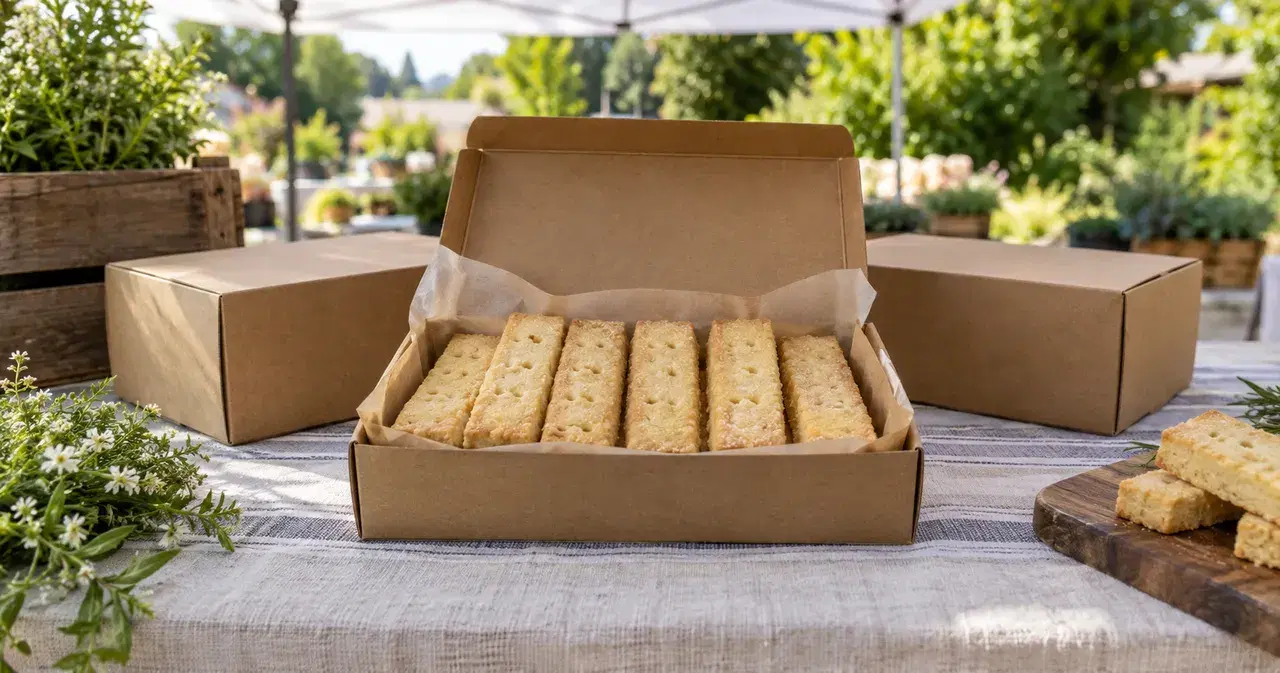
Worked example: you're bringing boxed shortbread to a Saturday market. Ten boxes are already promised to preorder buyers, and you're bringing twenty more to sell at the table. This guide follows that day from booking the stall to the last box.
Check the vendor basics before you book
Start with the market's own vendor page. Applications and fees are specific to the market: Neighborhood Farmers Markets in Seattle, for example, uses an inquiry before an invitation to apply and directs applicants to its vendor handbook for fees and operating rules (accessed October 11, 2026).
Ask the manager for these details before you commit:
- Application: whether your food fits, what documents to send, and when you'll hear back.
- Fees: the application charge, stall cost, and cancellation policy.
- Booth setup: your space size, arrival time, table and canopy requirements, and access to electricity.
- Insurance: whether you need liability insurance, and what proof to bring.
- Food handling: who reviews your menu and any sampling plans.
Booth and permit rules also come from local health authorities. Snohomish County's temporary food guidance includes booth requirements and farmers-market permit categories; it's an example of the local layer, not a permit list for every seller (accessed October 11, 2026). Ask your own health department whether temporary food permits apply to your food and setup. Use the state rules directory to find your starting agency.
For the shortbread, ask about the recipe and packaging before you print labels or pay for a season of stall dates.
Take orders at the table
At a busy stall, the slow part is taking each order and payment while the next person waits. Three things help:
- A price list people can read from the back of the line.
- A way for buyers to order and pay on their own phone. A sign with a QR code that opens your order page lets someone order while you're serving the person ahead of them. Print the web address on the sign too, for anyone whose camera won't scan it.
- A count of what's left that leaves out boxes promised to preorder buyers.
In the shortbread example, the ten preorder boxes stay in a labeled crate under the table, and only the twenty extras count as table stock. Markets can have weak phone signal, so check that the link loads at your stall before the market opens.
Take preorders for market-day pickup
Preorders let regulars reserve before they arrive, and they tell you how much to bake.
- Announce the preorder a few days ahead with an order deadline, for example Thursday evening for a Saturday market.
- Give one pickup window at your stall, such as 9 to 11 AM, and say how to find your table.
- Pack each preorder with the buyer's name before you leave home.
- Bring the list and check names at pickup.
If a regular asks next week, use the same order link again, with the next market day's preorder on it.
What it costs
Market costs come first: the application fee, the stall fee, and any cancellation charges in the market's handbook. Add packaging, travel, and the fees for however buyers pay you. Work out the price per box with the baked goods pricing calculator, then check that a normal market day covers the stall.
The order-taking comparison helps if you're still choosing how buyers order and pay between market days.
Sell at the market with VibeKitchen
VibeKitchen gives your table and your preorders the same order link. Here's how the steps above work in the app:
- Table stock: list packed food as Ready Now and enter how many you have, leaving out the preorder boxes. Buyers can order while stock remains, and the item stops selling when it reaches zero.
- Store hours: Ready Now orders go through only while your store is open, so set your store hours to cover the market before you leave home.
- The sign: the In-Person Ordering Sign Kit makes a scan-to-order sign that reads "Scan to order. We'll call your name." Buyers order and pay on their own phone in the browser, with no app to install. The order shows up in your order list; call the name and hand it over.
- Preorders: set up a Scheduled Batch with an order cutoff and one pickup window. The holiday preorders guide walks through it.
- Pickup location: buyers see the pickup address from your settings on your page and at checkout. If preorder pickup is at your stall, say so in the item description, with the market name and where to find your table.
- Cost: a service fee of 5% + $0.50 per order, paid by the buyer by default; you can absorb it. Stripe's processing fee is taken from your payout.
Sample shop
Market day in the app
From a sample shop, using the shortbread from this guide.
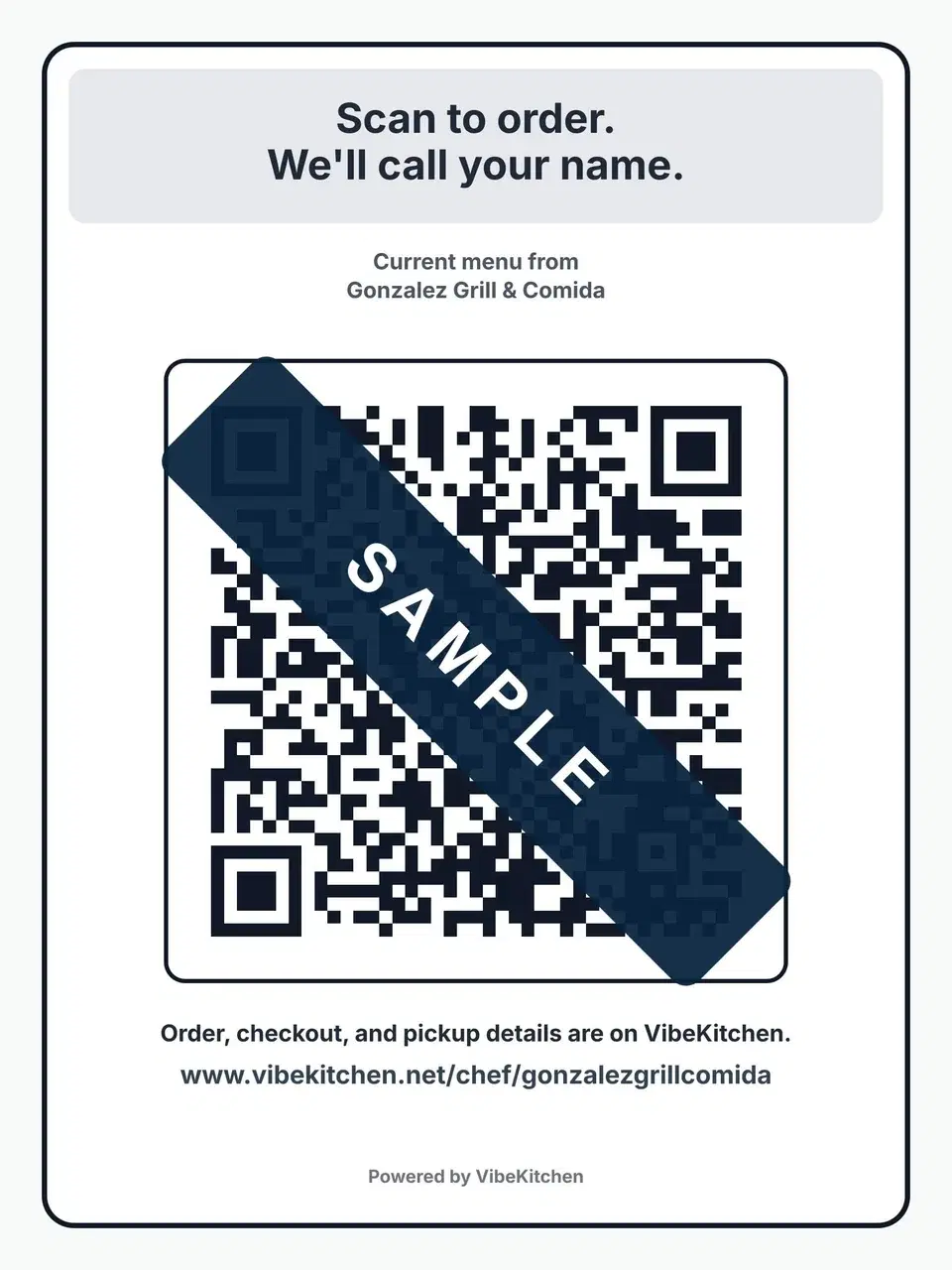
The table sign
The In-Person Ordering Sign Kit's sign. Sample: the code is covered so it can't be scanned from this page.
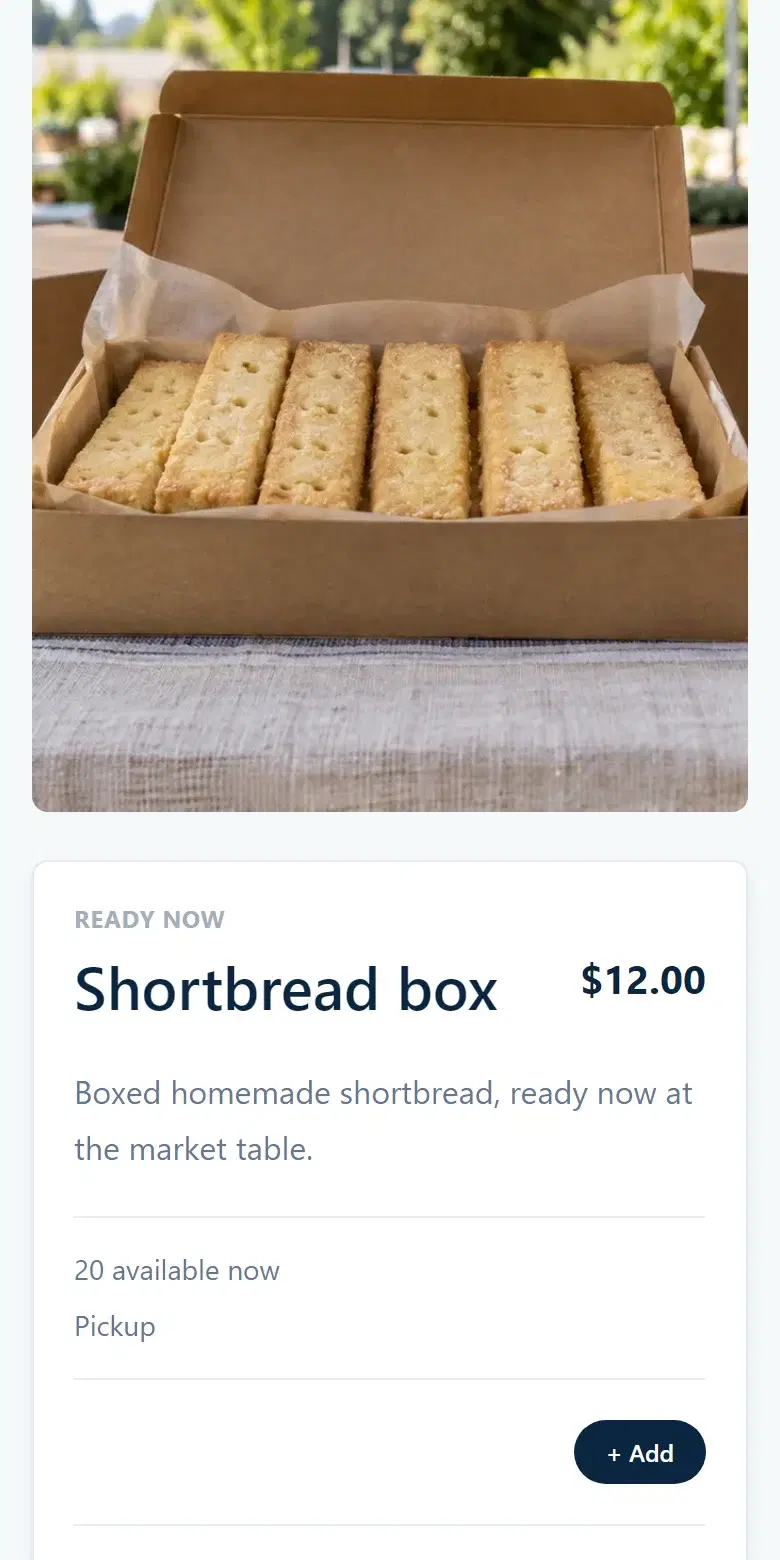
Table stock
A Ready Now box with how many are left.
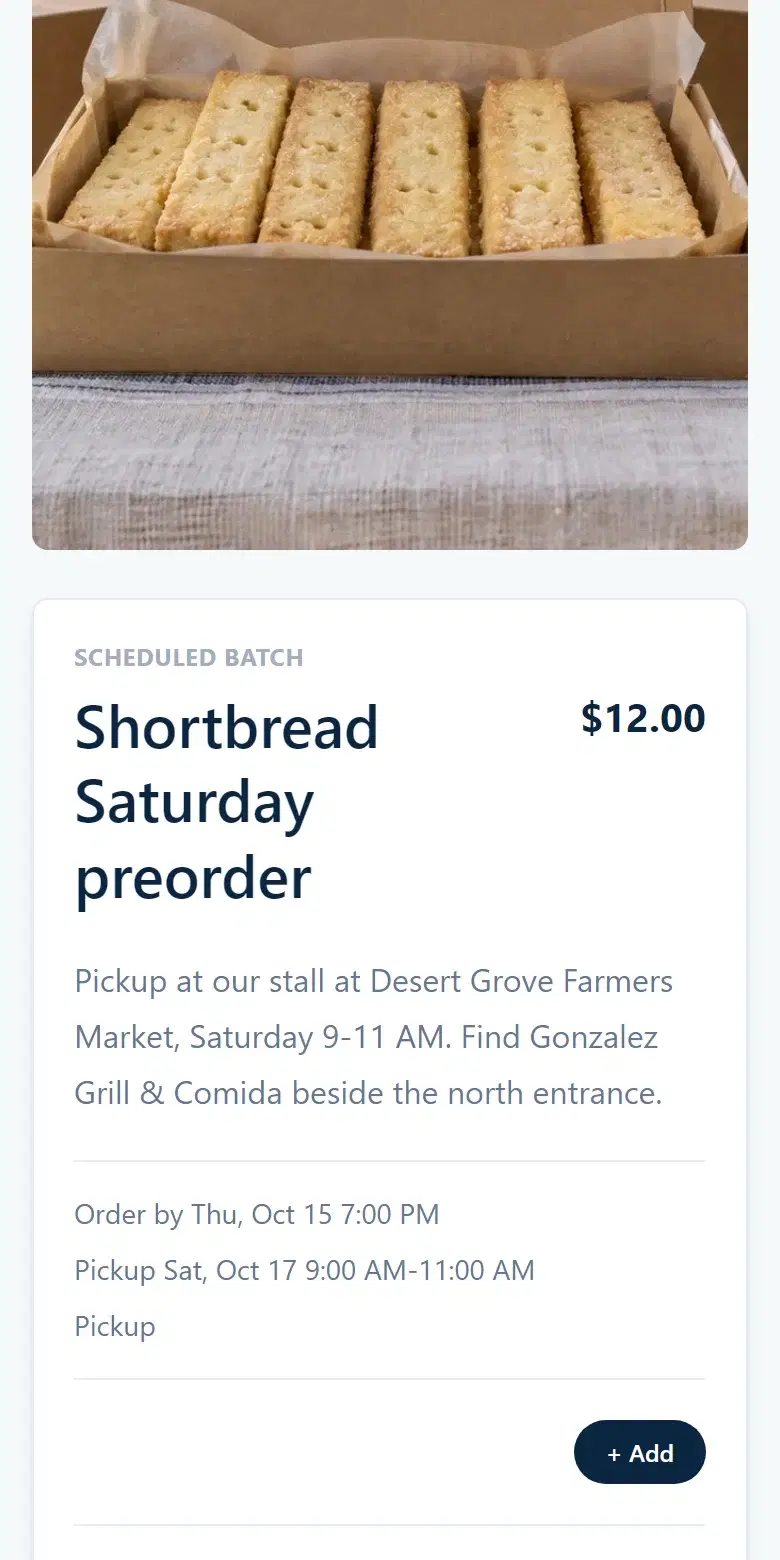
The market-day preorder
A Saturday preorder with stall pickup named in its description.
Frequently asked
Common questions.
Do I need a permit to sell food at a farmers market?
Ask both the market and your local health department about your exact food and how you make it. A market accepting your application doesn't settle the food-permit question. Start with the state and local sources above.
Can buyers order from a QR code without an app?
Yes, if the code opens a web page. A VibeKitchen sign opens your menu in the phone's browser, where buyers order and pay.
How do I keep preorders out of my table stock?
Pack and label the preorders first and set them aside. Count only what's left as table stock, and check both before you load the car.
What if I sell out at the market?
Tell people when you'll be back and how to preorder for next time. A sign or card with your order link lets them reserve before the next market day.