Pick the method you can keep straight
Take food orders by recording what the buyer wants, how much, how to contact them, when they'll collect it, and whether they've paid. DMs suit a small menu you can track yourself. A form helps collect consistent answers. An order link fits when you want payment and pickup details attached to the order.
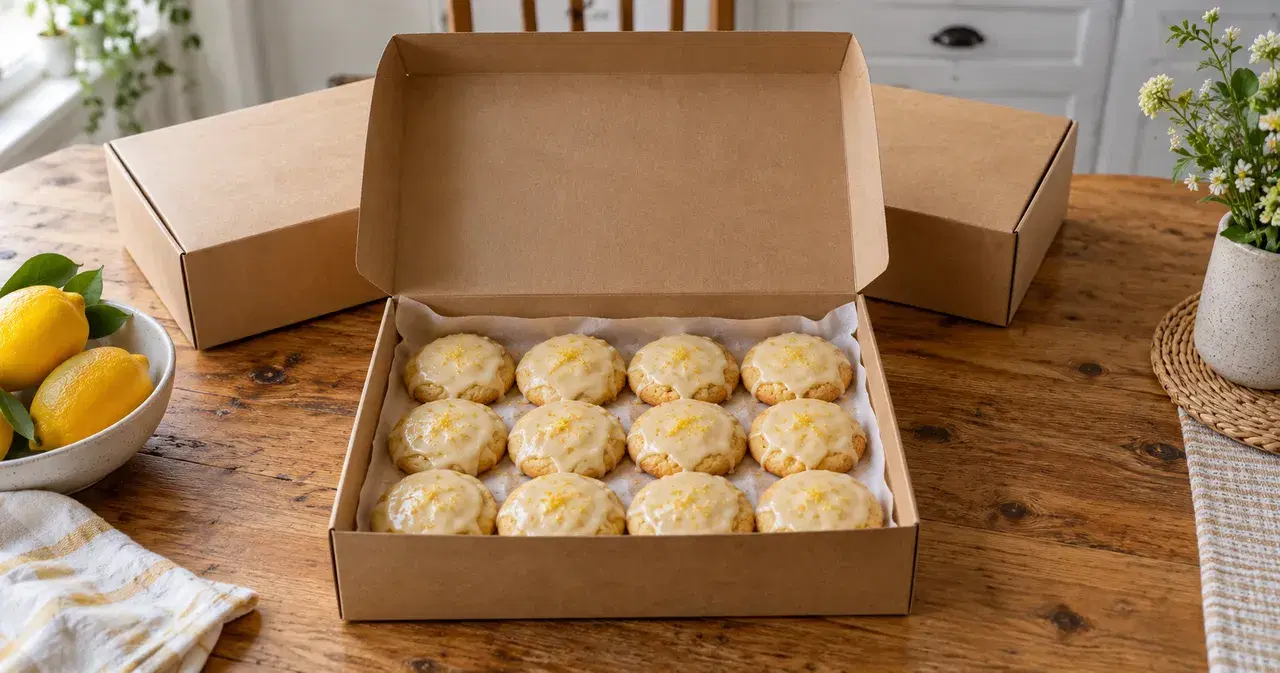
Worked example: you're selling lemon cookie boxes for Friday pickup. Sam asks for two boxes, then changes to three. You need one reliable record of three boxes, the pickup plan, and the final payment. Use that simple test to choose your method.
Compare DMs, a form, and an order link
Here's the same cookie-box sale run three ways. With DMs or a form, buyers pay you through a separate payment method you choose.
| Method | Setup | Payment | Order record | Pickup timing | Customer list | Cost |
|---|---|---|---|---|---|---|
| DMs | Agree by message | Arrange separately | Copy to your sheet | Confirm in writing | Keep your own list | The payment method charges its own fees. |
| Google Form + payment app | Write the questions | Match separately | Responses or Sheets | Ask in the form | Collect emails; CSV | The payment method charges its own fees. |
| VibeKitchen order link | List your food | Online checkout | Order queue | Window or prep time | Customer CSV export | 5% + $0.50 per order. Buyer pays by default; seller can absorb. Stripe processing from payout. |
Work through a cookie-box order
DMs: write down the final agreement
For Sam's order, repeat the final quantity, total, and pickup time in one message. Record it in your own order sheet and check the payment separately. Use the same fields for the next buyer so you can count boxes without rereading every conversation.
The Facebook selling guide covers turning an "is this still available?" message into an order.
Google Forms: collect the same answers from everyone
Make questions for the food, quantity, contact details, and pickup arrangement. Google Forms lets you review responses, link them to a spreadsheet, download a CSV, and collect email addresses. Google's response guide, accessed October 11, 2026, explains those settings.
For this setup, give Sam your separate payment instructions and match the payment to the response. If the quantity changes, update your order sheet too. Don't count a form submission as paid just because the buyer filled it in.
VibeKitchen: take the order and payment together
Your buyer opens your menu, chooses a quantity, and pays at checkout. You see the order in your queue. For Friday boxes, use a planned preorder with a deadline and pickup window, called Scheduled Batch. For food cooked after each order, set a prep time with Made to Order.
You can also download your customer list as a CSV. Compare the selling modes in the Made to Order guide, or follow the preorder batch setup.
Illustration
Sam's change from two boxes to three
Fictional examples of the two methods that don't take payment with the order.
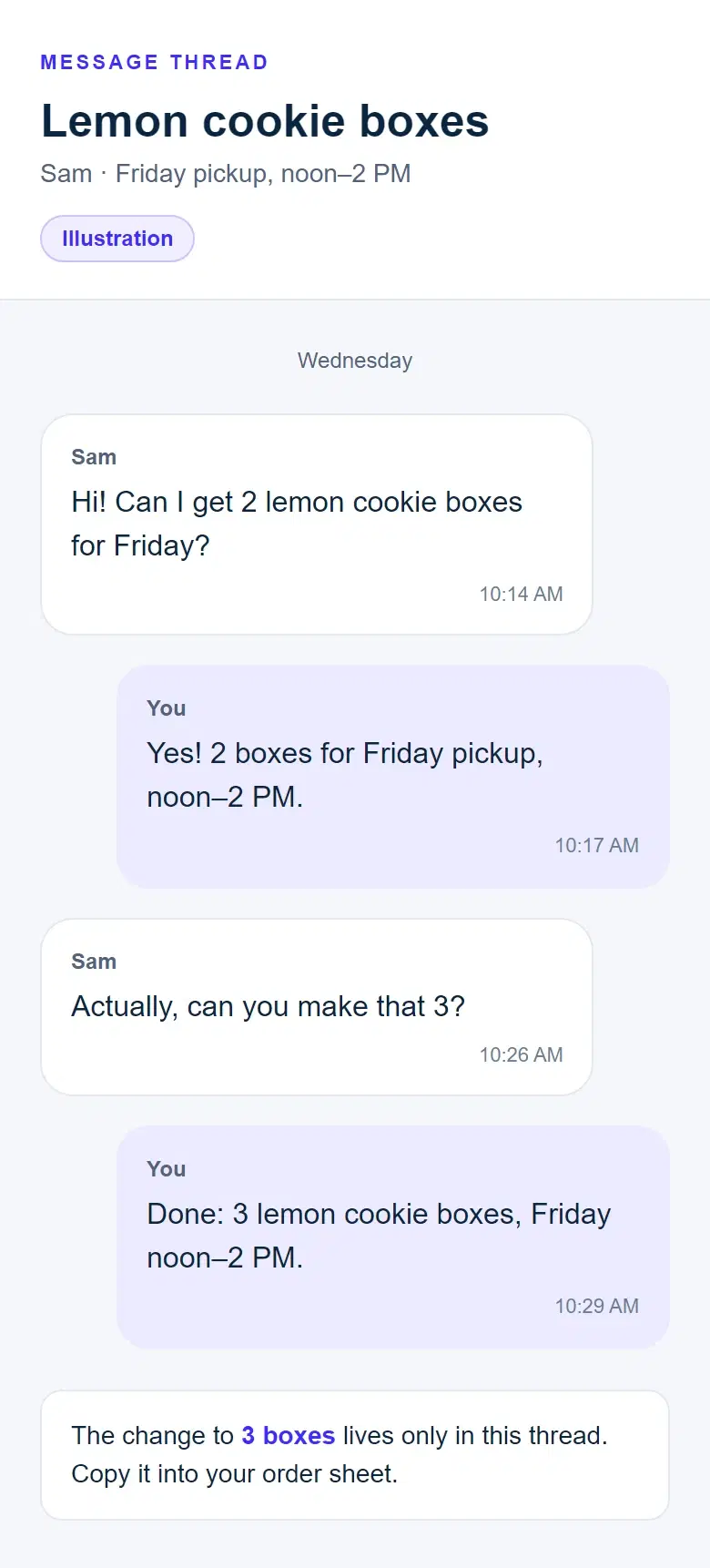
In a message thread
Illustration. The change to three boxes is only in the conversation until you copy it into your order sheet.
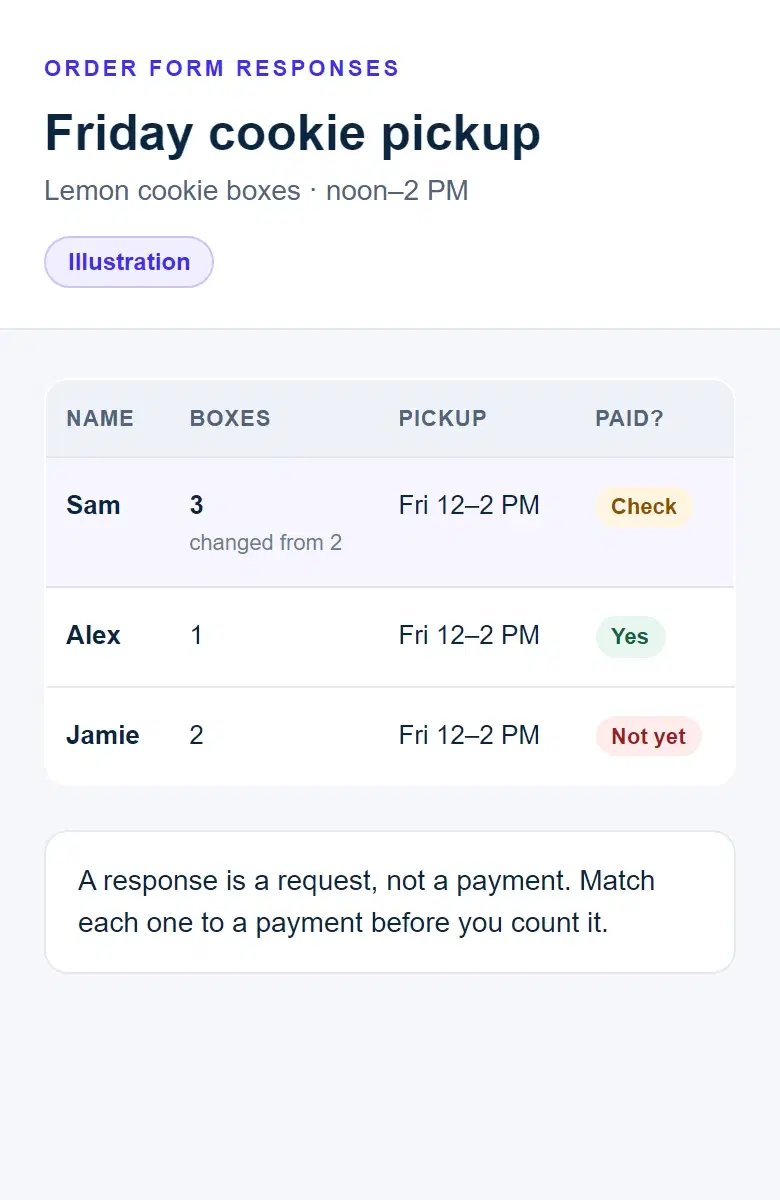
In an order form
Illustration. Each response is a request; you check each payment yourself.
What each method costs
With DMs or a form, the payment method charges its own fees. Check your payment app's rates before you set prices.
VibeKitchen's service fee is 5% + $0.50 per order. The buyer pays by default, and you can absorb it. Stripe processing is taken from your payout. Build those costs into your prices.
When each method is fine
- Stay with DMs if you can keep a single accurate order sheet and confirm every change.
- Use a form if you want the same questions answered every time and you're comfortable checking separate payments.
- Use an order link if hunting for quantities, payment, and pickup details is taking time away from cooking.
Try the Sam test before posting your next menu: where will the change from two boxes to three be recorded, and how will you know the amount paid is right?
Switch with your next menu
- Finish existing orders using the record buyers already agreed to. Don't ask someone who paid through a message to pay again through the new page.
- Put your next cookie box on your order page with the price and pickup details. Open the link on your phone and read it as a buyer.
- Replace the ordering instructions in your next announcement. Tell people to complete the purchase at that link.
- Answer questions where people ask, then send the link when they're ready to buy. Cook from the resulting order list.
On Instagram, put the link in your profile or add it with a Story link sticker. Instagram documents profile websites and Story links (accessed October 11, 2026). The Instagram guide walks through preparing the image and link with VibeKitchen's kits.
Frequently asked
Common questions.
What information do I need for a food order?
Record the item, quantity, buyer's name and contact, agreed pickup details, and payment status. Write down requested changes beside that order and confirm what you can make before promising it.
Can I start with a Google Form?
Yes. Use consistent questions, review the responses, and keep track of payment separately for the setup described here. Test the form yourself before sharing it.
How do I stop losing orders in DMs?
Choose one final record for each purchase. Either copy the agreed details to an order sheet or ask buyers to complete the order at your link. A comment asking for a box is still something you need to confirm.
Do I have to move old orders when I switch?
No. Keep fulfilling the orders you've already accepted. Start the new method with a clearly announced menu so buyers know where their next purchase belongs.