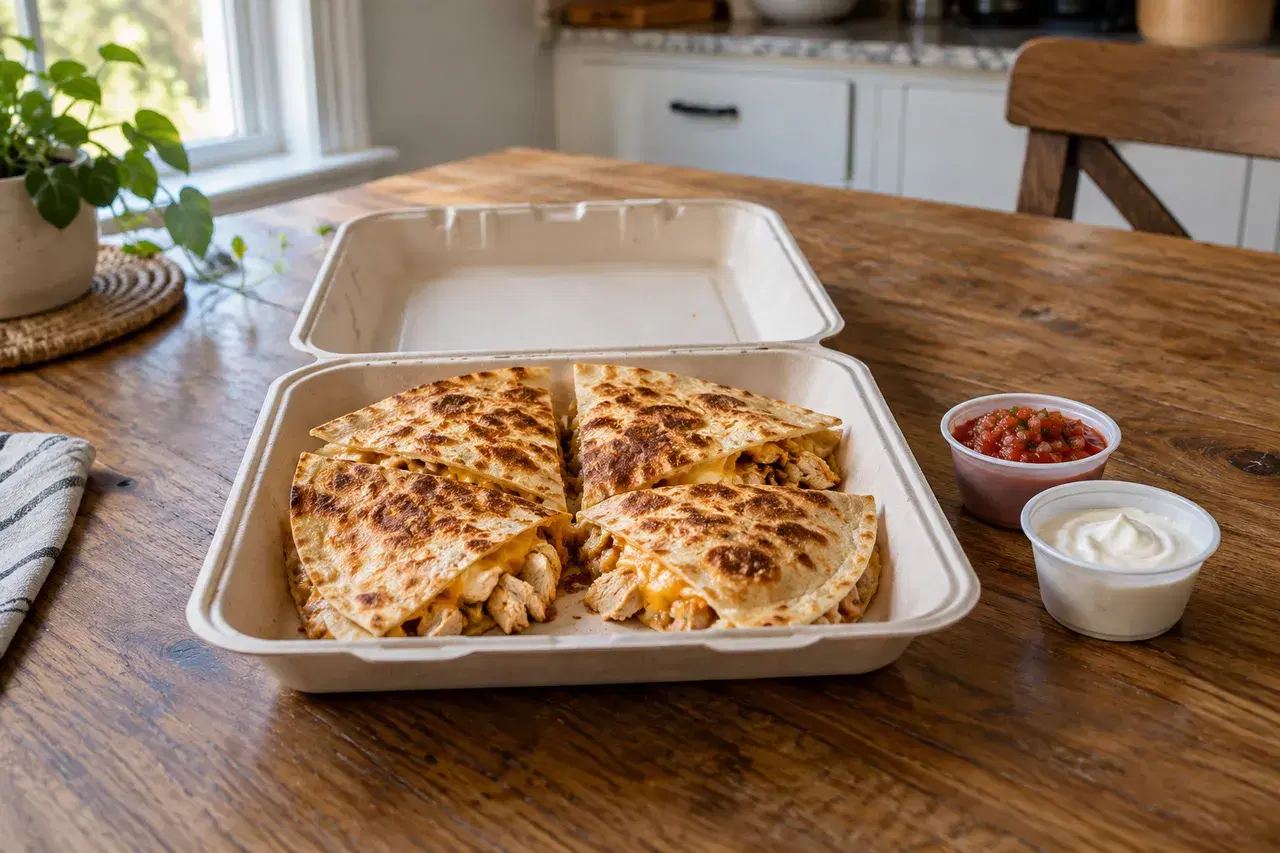
Take live food orders from home
Made to Order is the way to take live food orders from home and cook each one fresh after it is placed — the way a customer calls in a pizza, not the way they grab something already sitting on a shelf. You open your kitchen for the day, orders come in while you are open, and you cook that dish for that person.
Here is how it works, end to end. You set your store hours, so you are only taking orders when you actually want to cook. A customer orders ahead from a home cook — yours — and the order hits your phone in real time. You fire it and cook it fresh. You set a prep time so the customer knows roughly when it will be ready, and you can set an optional daily cap so you never take more orders than you can cook that day. When the cap is reached, ordering closes for that item for the day.
That is the whole loop: open, take the order, cook it to order, hand it off. Nothing here is a pre-baked batch or a shelf of inventory. If you have ever wanted a cook-to-order app for home cooks that matches how a real kitchen actually runs, this is the part most tools skip.
Don't take more than you can cook
Worked example: you're cooking quesadillas to order during an evening service. You need 25 minutes to prepare an order, and you've decided to accept eight orders for that item today.
- Set the time you need to cook after a purchase under Prep time after order is placed. Buyers see "Ready in about 25 minutes" before they order.
- Enter eight under Daily order cap (optional). When the cap is reached, buyers see the item as fully booked for today and can't place more orders for it that day. It counts orders, not quesadillas, so leave room for orders of two or three.
- Set your store hours for the service you can cover. Made to Order purchases must be placed while your kitchen is open. Leave yourself time to finish orders that arrive near closing.
The cap counts orders across the day, not how many you're cooking at once, so set a prep time you can still meet during a rush. For a meal you want to cook in one planned run, the plate sale guide uses a deadline and shared pickup window instead.
Sample shop
The quesadilla's limits in the app
Screenshots from a sample shop, using the quesadilla from this guide.
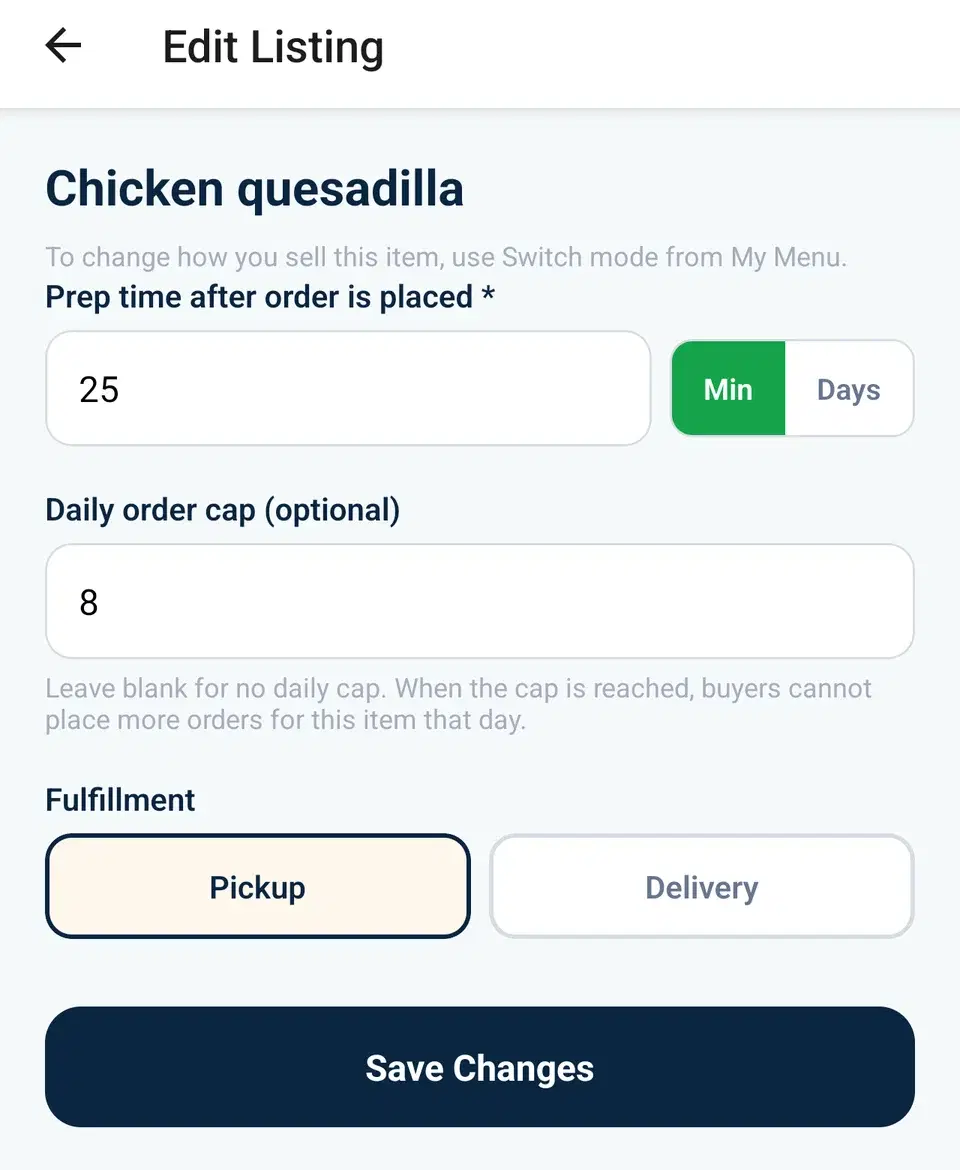
Set the limits
A 25-minute prep time and a daily order cap of 8.
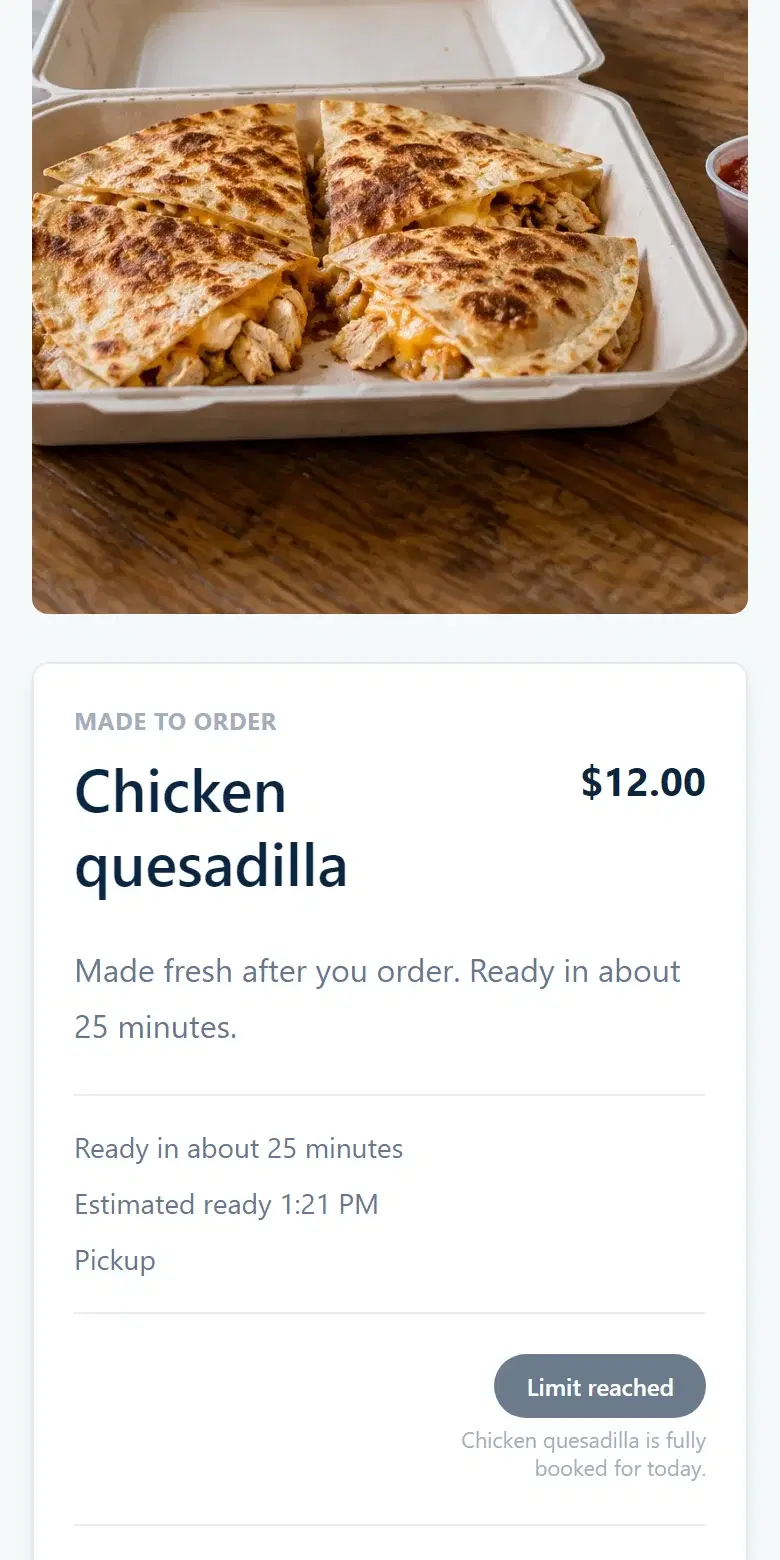
When the cap is reached
Buyers see the item as fully booked for today.
How Made to Order is different from in-stock listings and pre-order windows
Most tools for selling homemade food give a home cook two ways to sell, and Made to Order is a third. It helps to see all three side by side, because the difference is about _when the food gets cooked_, not which tool is "best."
- Ready Now is in-stock selling. You cooked a batch this morning, you list how many are left, and customers buy from that stock until it runs out. Great for a farmers-market table or a drop you baked ahead.
- Scheduled Batch is a pre-order window. You collect orders for one planned cook, set a cutoff and a pickup window, and make everything at once. Great for a Friday tamale run or a holiday cookie box.
- Made to Order is live, cook-to-order service. There is no batch and no shelf — the food is cooked after each order, during your store hours, with your set prep time. Most other tools for home cooks only do the first two: list what is in stock, or open a pre-order window. Made to Order is the one that lets you run the service in real time, like a small restaurant working its tickets.
You do not have to choose one forever. The same kitchen can sell some items Ready Now, run a Scheduled Batch for a holiday, and keep a few dishes Made to Order — whatever fits how you cook.
When Made to Order is the right fit
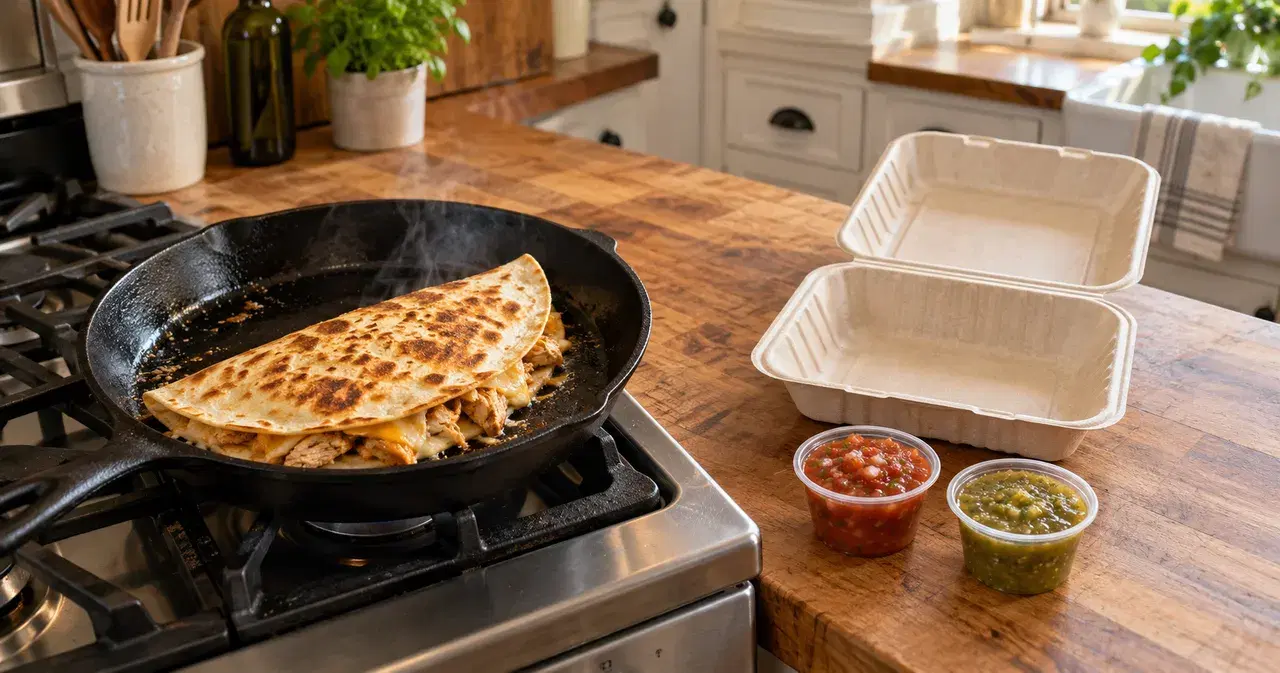
Made to Order fits when freshness is the point and the dish does not survive sitting in a batch. Think a quesadilla or torta cooked on order, a bowl assembled when it is ordered, a plate of birria, fresh pasta, or anything you would rather hand over hot than pile up ahead of time.
It also fits when your day is unpredictable. If you cannot promise exactly how many you will sell, you open your kitchen, set a prep time that is honest about your pace, and let the daily cap protect you from a rush you cannot fill. You are running the service, not guessing a batch size the night before.
If you are still deciding how you want to sell overall, the best app to sell homemade food comparison walks through Ready Now, Scheduled Batch, and Made to Order against social posts and order forms. For the wider picture of selling direct, read how to sell food online, and if you are starting from scratch, the home bakery startup guide walks through kitchen setup, pricing and a workable order schedule.
What Made to Order costs
The fee story is the same across every selling mode, and it is short. VibeKitchen charges a 5% + $0.50 service fee per order and there is no monthly subscription to take orders. You choose who pays that fee: add it to the customer's total, or absorb it so your listed price is exactly what they pay. Payments run on Stripe, and Stripe's processing fee comes out of your proceeds.
VibeKitchen is your own order page — not a marketplace, not a delivery app, and not a feed that puts your food next to other sellers. Made to Order is one of the ways your page can take orders. When the messages get messy, a single ordering link beats another DM thread; the best app to sell homemade food guide explains when that switch is worth making.
Frequently asked
Common questions.
What does "made to order" mean for a home cook?
It means you cook each dish after the customer orders it, rather than selling from a batch you made earlier. You open your kitchen for the day, take orders in real time during your store hours, set a prep time so customers know when their food will be ready, and cook each order fresh. It is the live, cook-to-order way to sell, as opposed to listing in-stock items or running a pre-order window.
How is Made to Order different from a pre-order?
A pre-order (Scheduled Batch) collects orders for one planned cook with a cutoff and a single pickup window — everything is made at once. Made to Order has no batch and no cutoff: you are open during your store hours, and each order is cooked when it comes in, with your set prep time. Use a pre-order when you want to cook everything together; use Made to Order when you want to cook each dish fresh on demand.
Can I limit how many orders I take in a day?
Yes. Made to Order includes an optional daily order cap. Leave it blank for no limit, or set a number that matches what you can realistically cook. When the cap is reached, ordering closes for that item for the rest of the day, so you are never on the hook for more orders than you can fill.
Do customers need an app to order ahead from me?
No. Customers order from your web storefront link — no app and no signup to place an order. You run your kitchen from the VibeKitchen mobile app or the web dashboard; your customers just open your link, order, and pick up.